
Review App Permissions Without Breaking the Features You Need
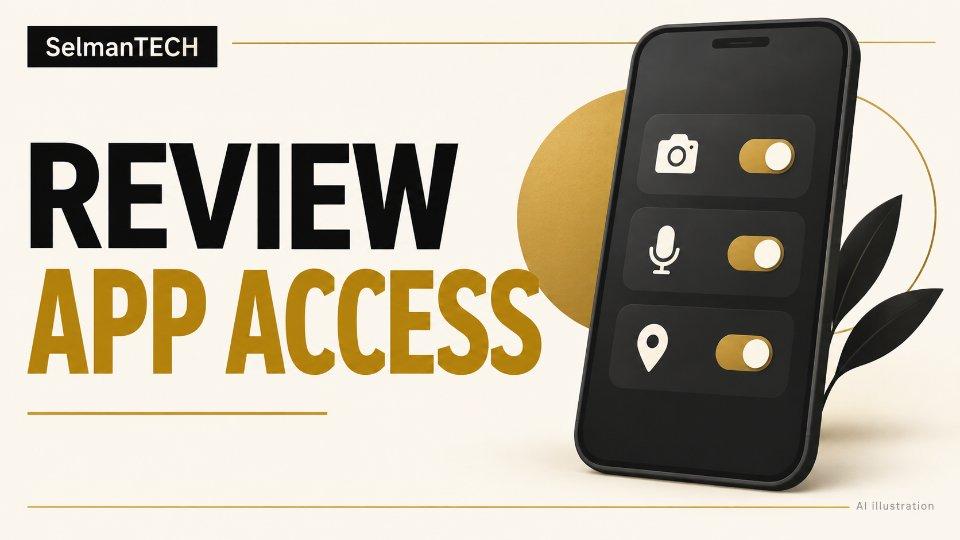
Start with one permission, not every switch
A permission review is most useful when you can explain each decision. Switching everything off at once can interrupt navigation, calls or photo uploads without showing you which change caused the problem.
Open your phone's Settings and search for Permission manager or Privacy dashboard. Names and availability vary by Android version and manufacturer. On supported versions, the privacy dashboard shows recent permission use. A recorded access is a starting point for investigation, not proof that an app has behaved badly.
Make a three-column check
Choose Location first. For each listed app, write its purpose, its current access and whether that access is needed. A maps app used for directions has a different reason for location access from a calculator.
Open the app's permission settings. If Android offers a narrower option that fits your use, such as access only while using the app, consider it. Available choices depend on the permission and app. Avoid granting permissions simply because a prompt appears.
Next review Camera and Microphone. Think about the feature you actually use: scanning a document needs the camera; a voice message needs the microphone. An app you no longer use deserves a different decision from a communication app you rely on daily.
Test after each change
Change one permission, reopen the app and try the affected feature. For example, after removing camera access from a messaging app, ordinary text messages may work while taking a new photo does not. That is a useful, understandable trade-off—not necessarily a bug.
If you need the feature later, restore the relevant permission through Settings. Do not respond to a failure by granting every permission.
Know the limit
Permission controls do not reveal everything an app collects, and removing location permission does not make online activity anonymous. Read the app's privacy information too. Your goal is a smaller, explainable set of permissions while essential features still work.
Sources
Source: Android privacy dashboard guidance
Source: Android privacy dashboard guidance